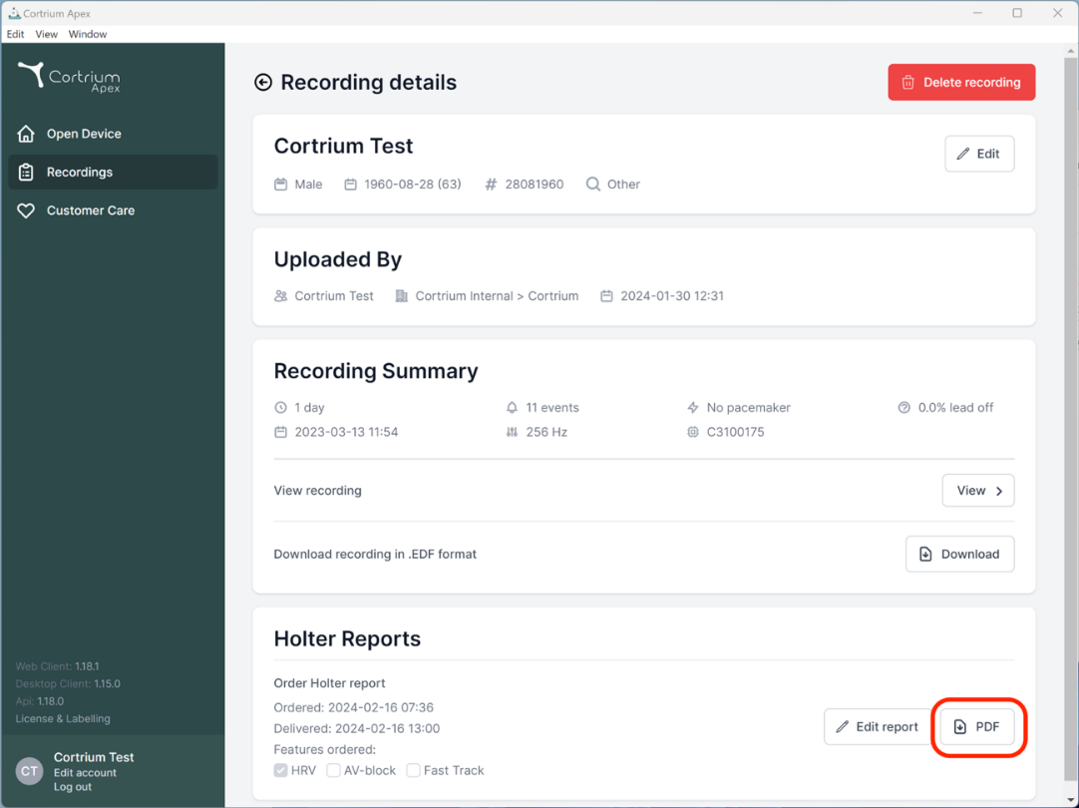

- To view the entire recording after upload, click on recordings and select the patient whose recording you want to view. Now you can use the Recording viewer by pressing the ”View” button.
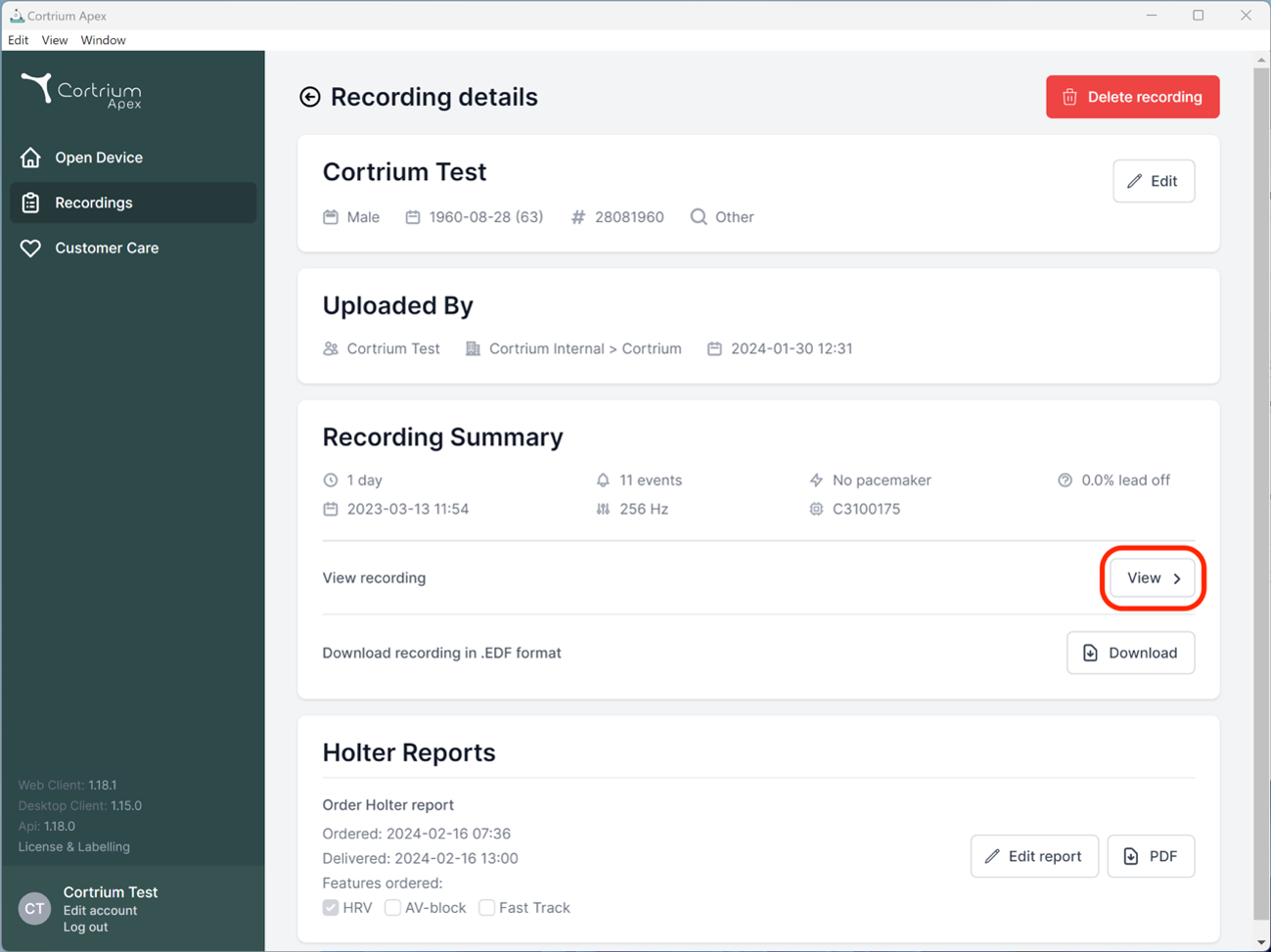
- All recordings can be converted to the European Data Format (.edf format). The .edf format is a standardised format for processing biosignals and is supported by a variety of software solutions.
You can download the recording in .edf format by clicking on “Download” next to “Download recording in .EDF format”.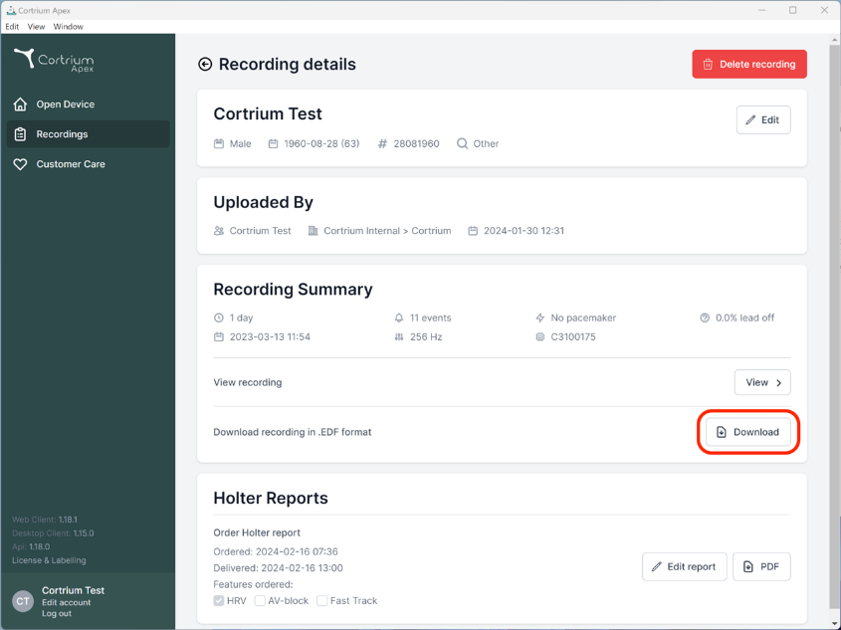
You can find more information about the data format on www.edfplus.info

- Once a recording has been analysed, you can view and download the Holter report as a PDF.
To do this, go to the menu item “Recordings”. Here you can use Search field to find and click on the respective patient.
You can also filter to show any unhandled reports that has not been viewed.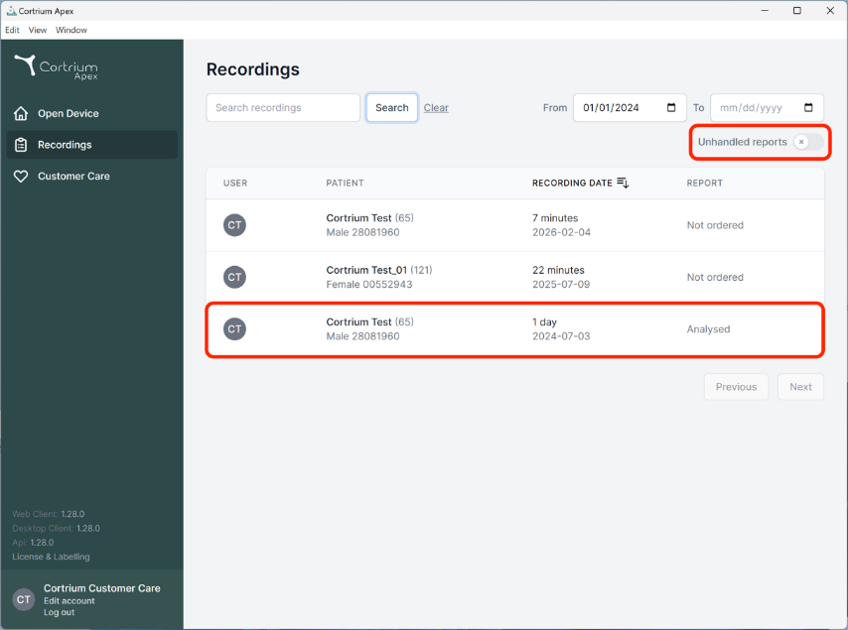
2. You can then view and download the PDF report under section Holter report. The Holter report will open in your web browser.