Get started with C3w
Get started with C3+
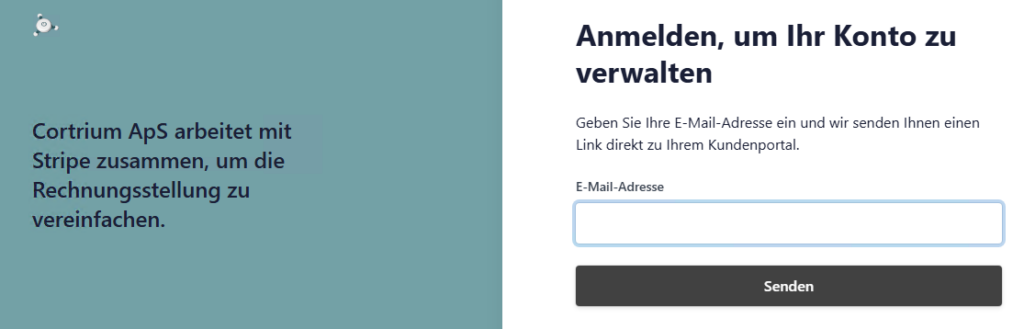
Log in to your customer portal via this link
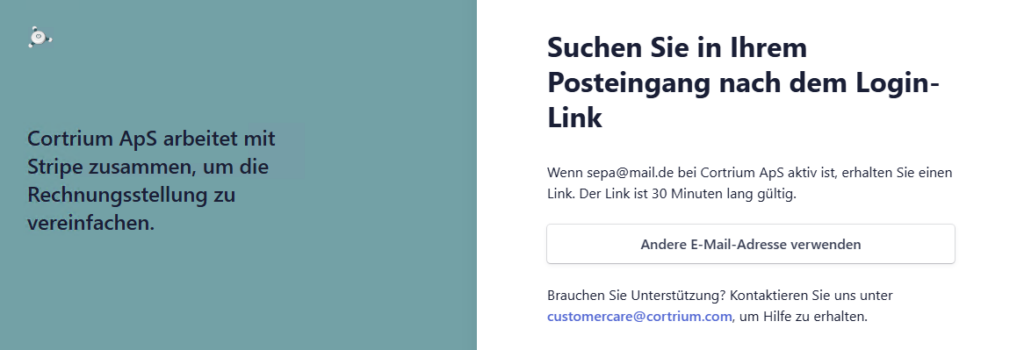
Enter your email address and click on ‘Send’
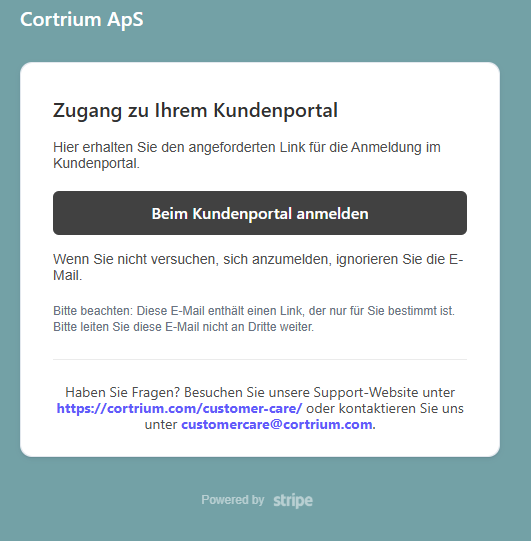
Find this email in your mailbox (check for spam!) and click on ‘Log in’
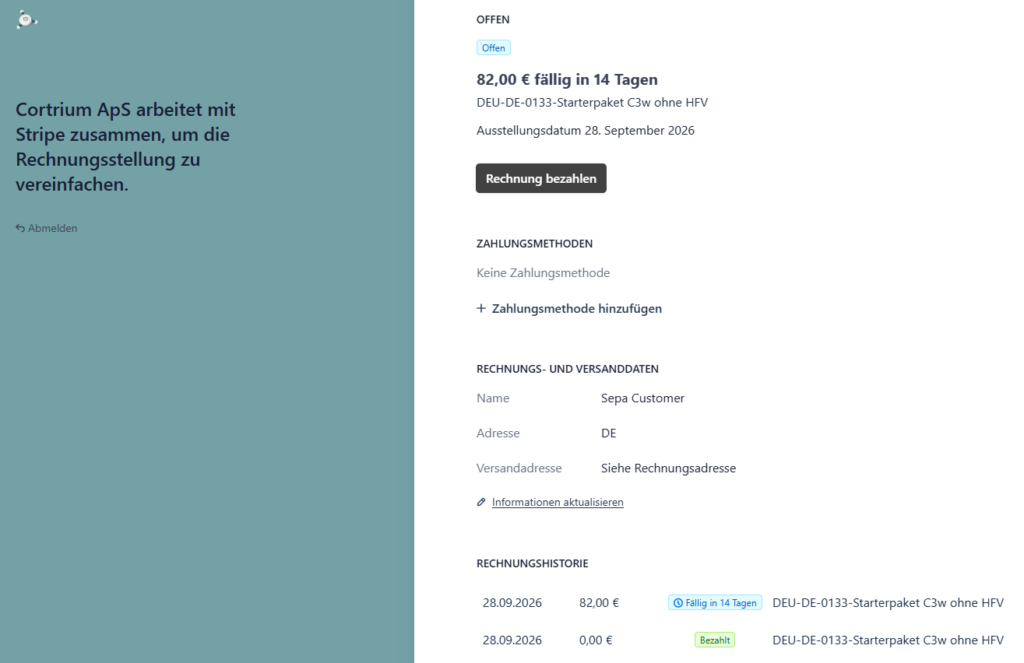
Here you can:
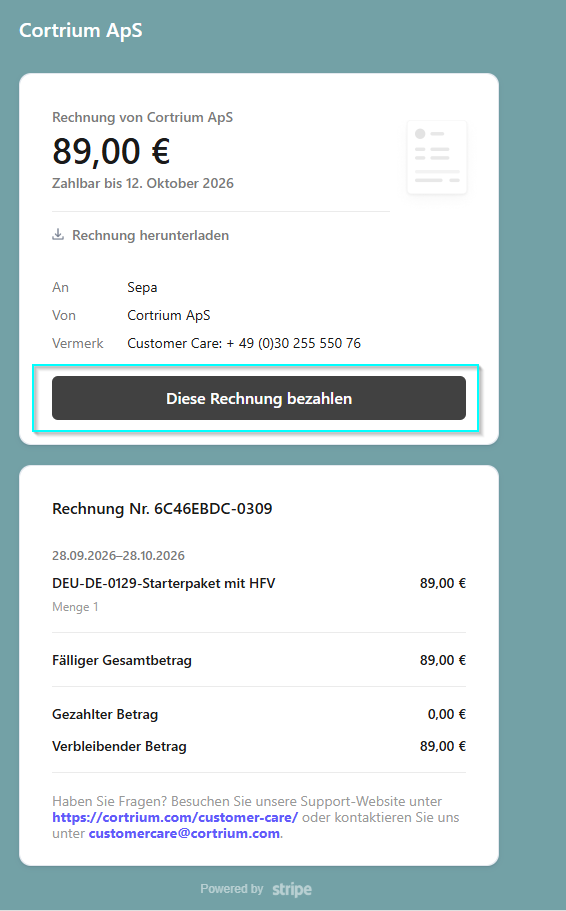
Pay your invoice conveniently by clicking on ‘Pay this invoice’
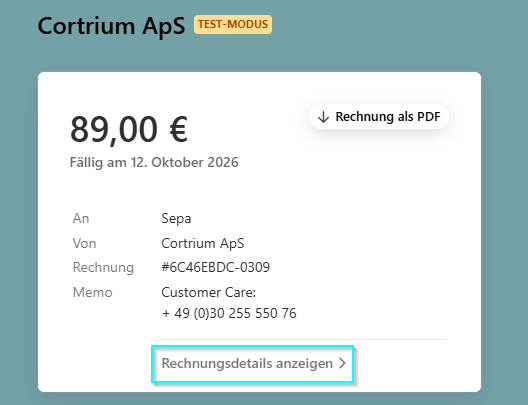
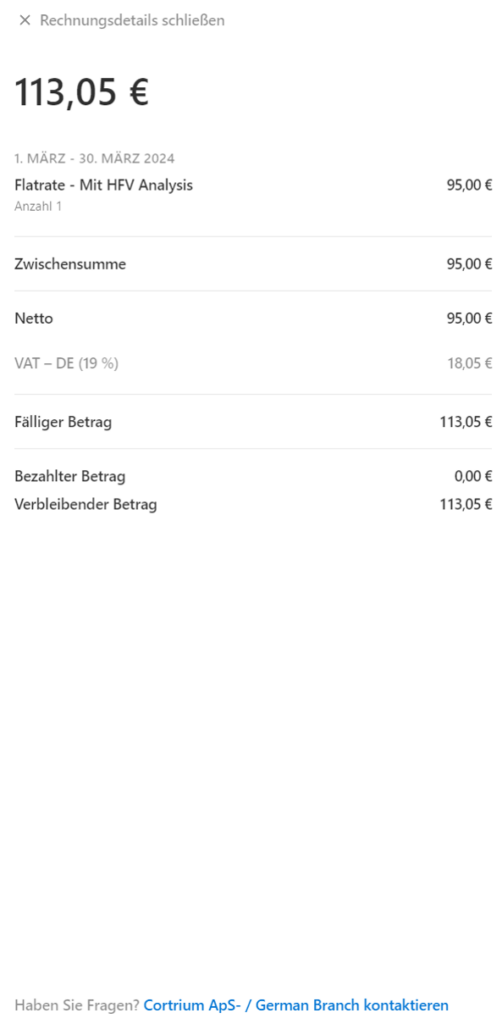
View your invoice details before payment by clicking on the arrow, another window will open
These reflect the enclosed invoice and provide an initial overview
Your invoice amounts will be debited regularly from now on with the confirmation
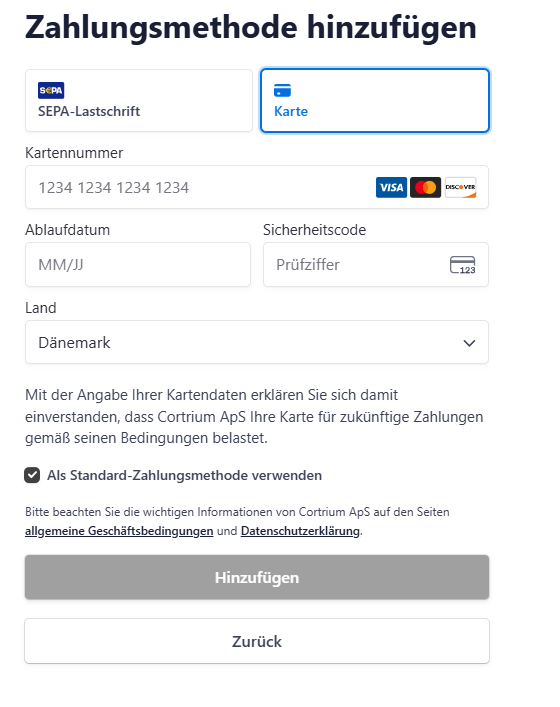
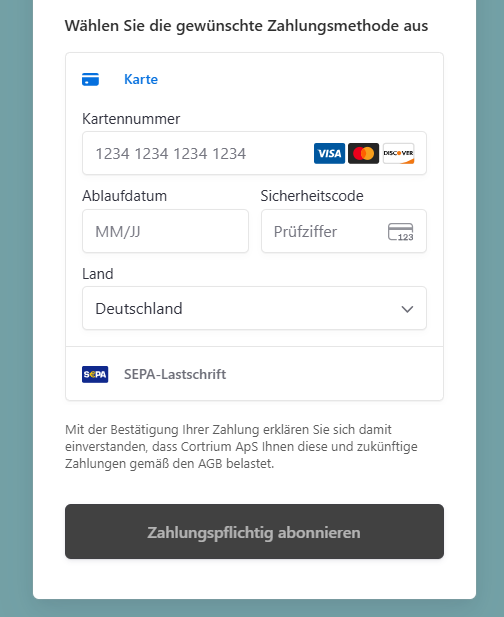
Select card, enter your credit card details and click on ‘Subscribe with payment’
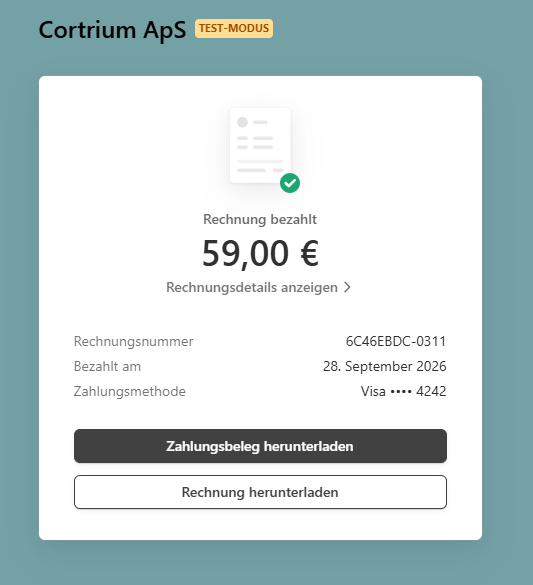
Download your receipt and invoice and save them
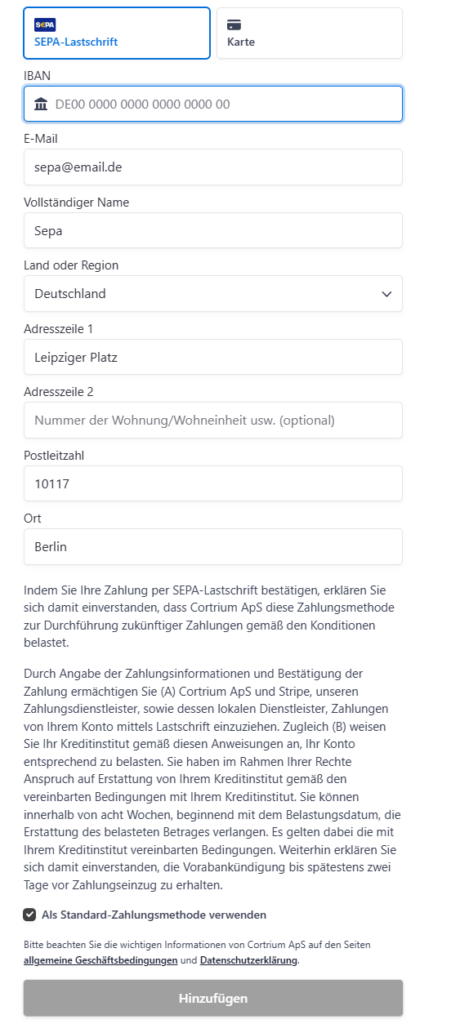
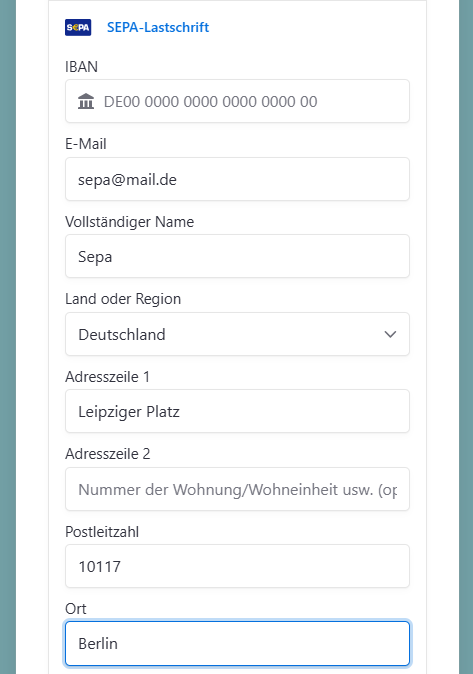
Select SEPA Direct Debit , enter your IBAN and billing address
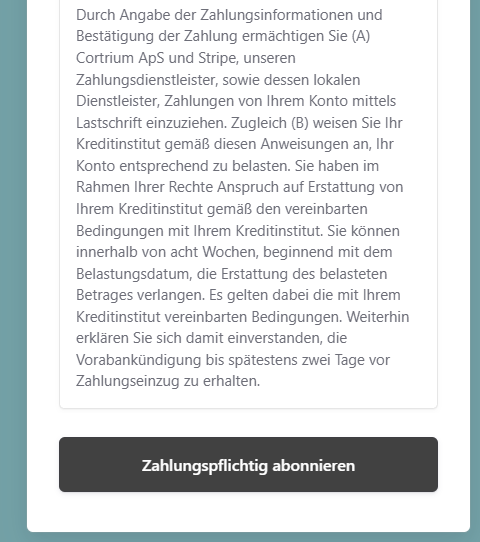
Read the conditions and confirm your SEPA direct debit mandate by clicking on ‘Subscribe with obligation to pay’
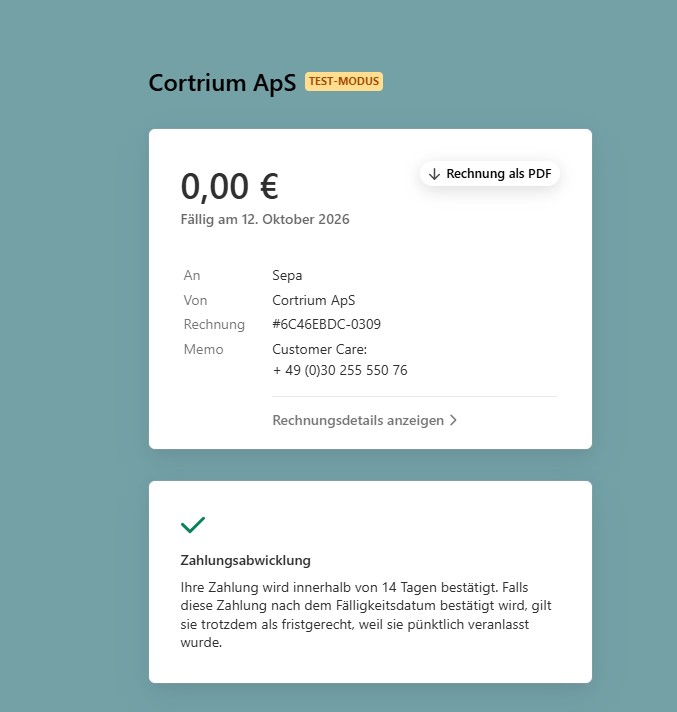
Your payment is now confirmed, and you can download your invoice. Please keep it in a safe place!
Materials